Create your first specification
Kstonebase turns your ideas, references, and notes into structured specifications your team — and your AI agents — can actually use. This guide takes you from a fresh account to your first saved specification.
Open your dashboard
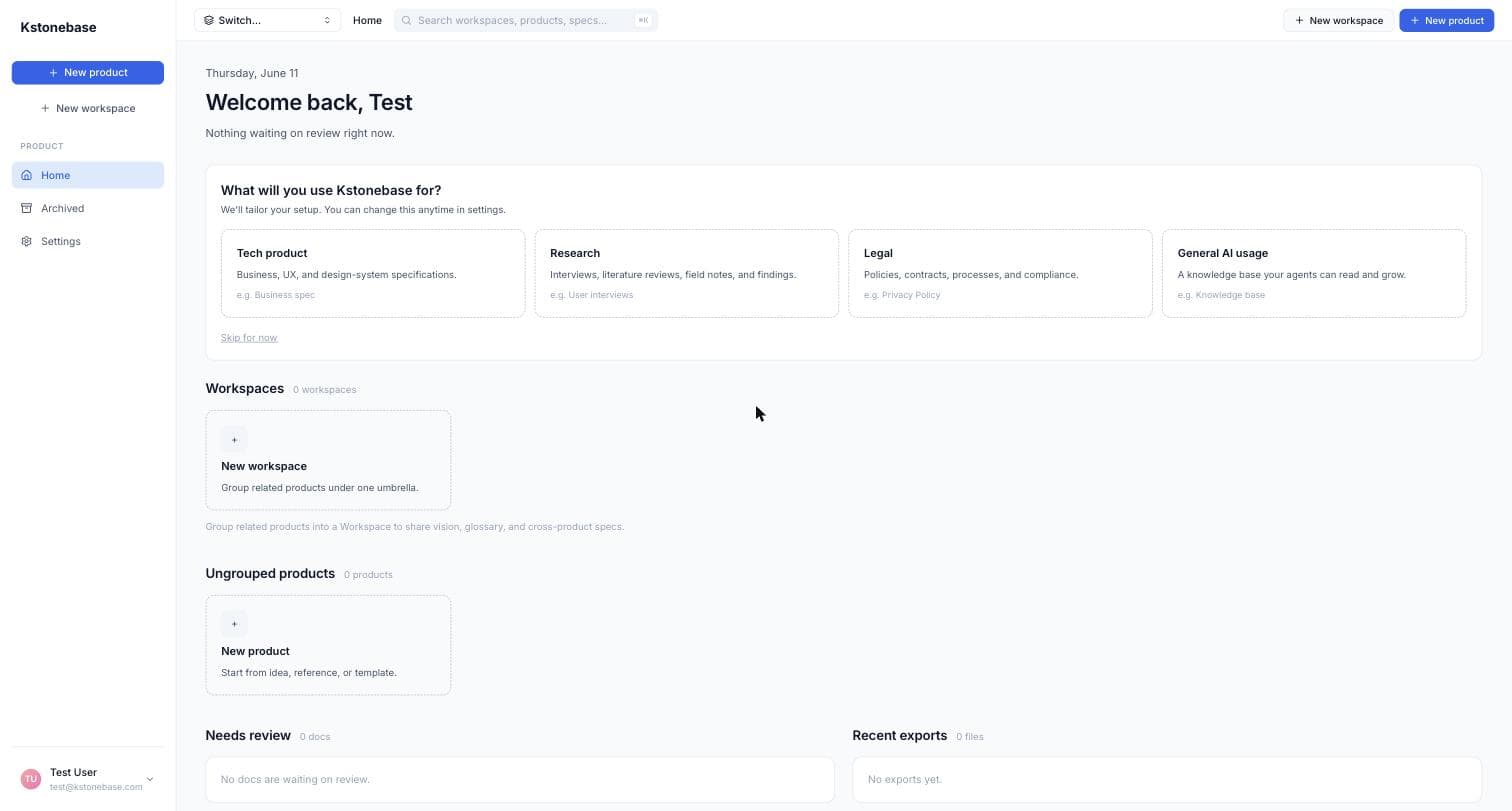
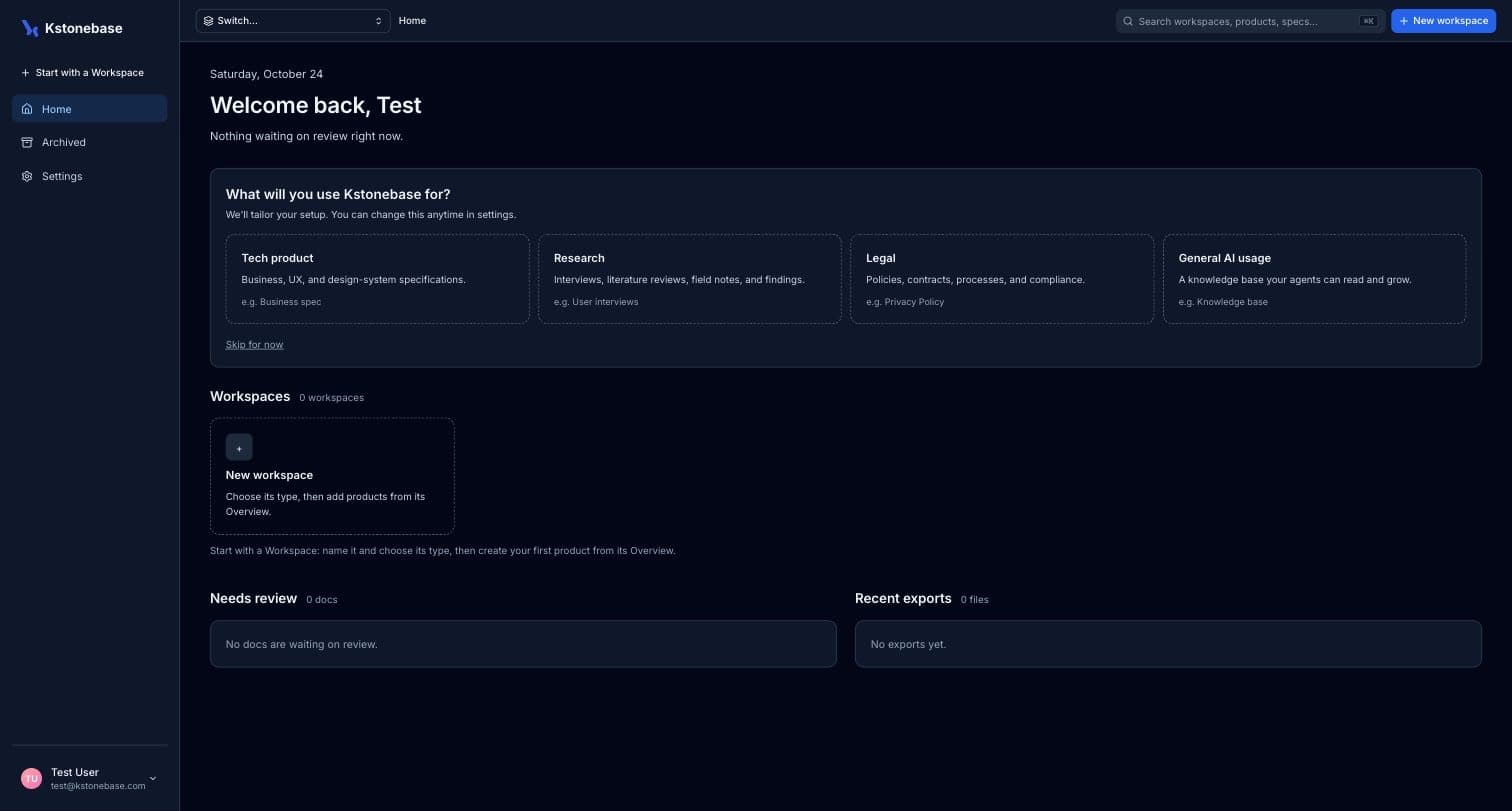
After signing in you land on your dashboard. It starts empty — this is home base for your workspaces, products, and any documents waiting on review.
Tell Kstonebase what you'll build
Pick what you'll use Kstonebase for — Tech product, Research, Legal, or General AI usage. Kstonebase tailors your setup and your starter document type to the choice. You can change this anytime in Settings.
Start with a workspace, then create a product
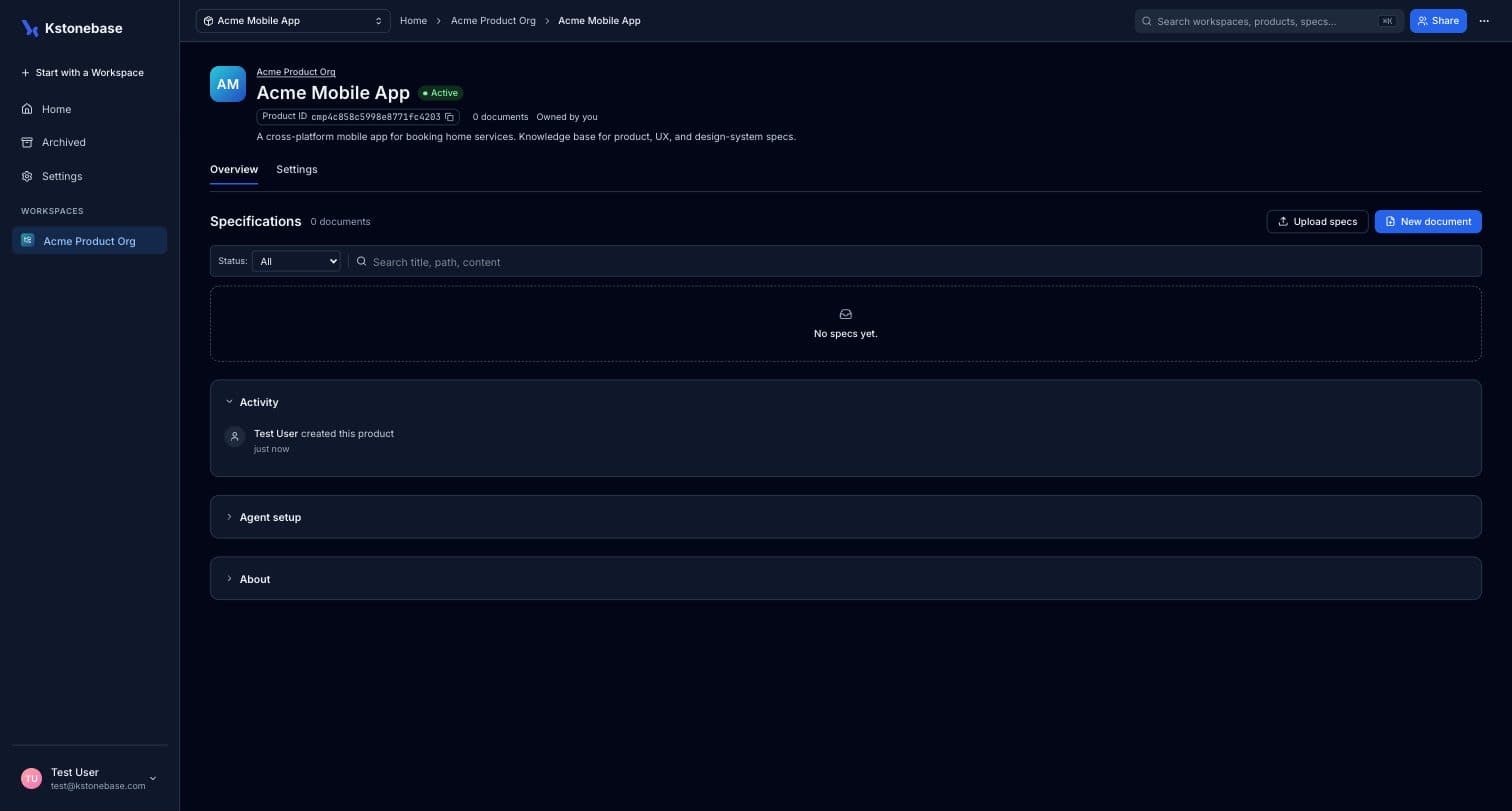
Everything lives in a workspace. Click Start with a Workspace, give it a name and choose its type — Software Engineering, Research or General. On the workspace's overview, click the New product card: a product is your unit of work and holds related specifications.
Add your first specification
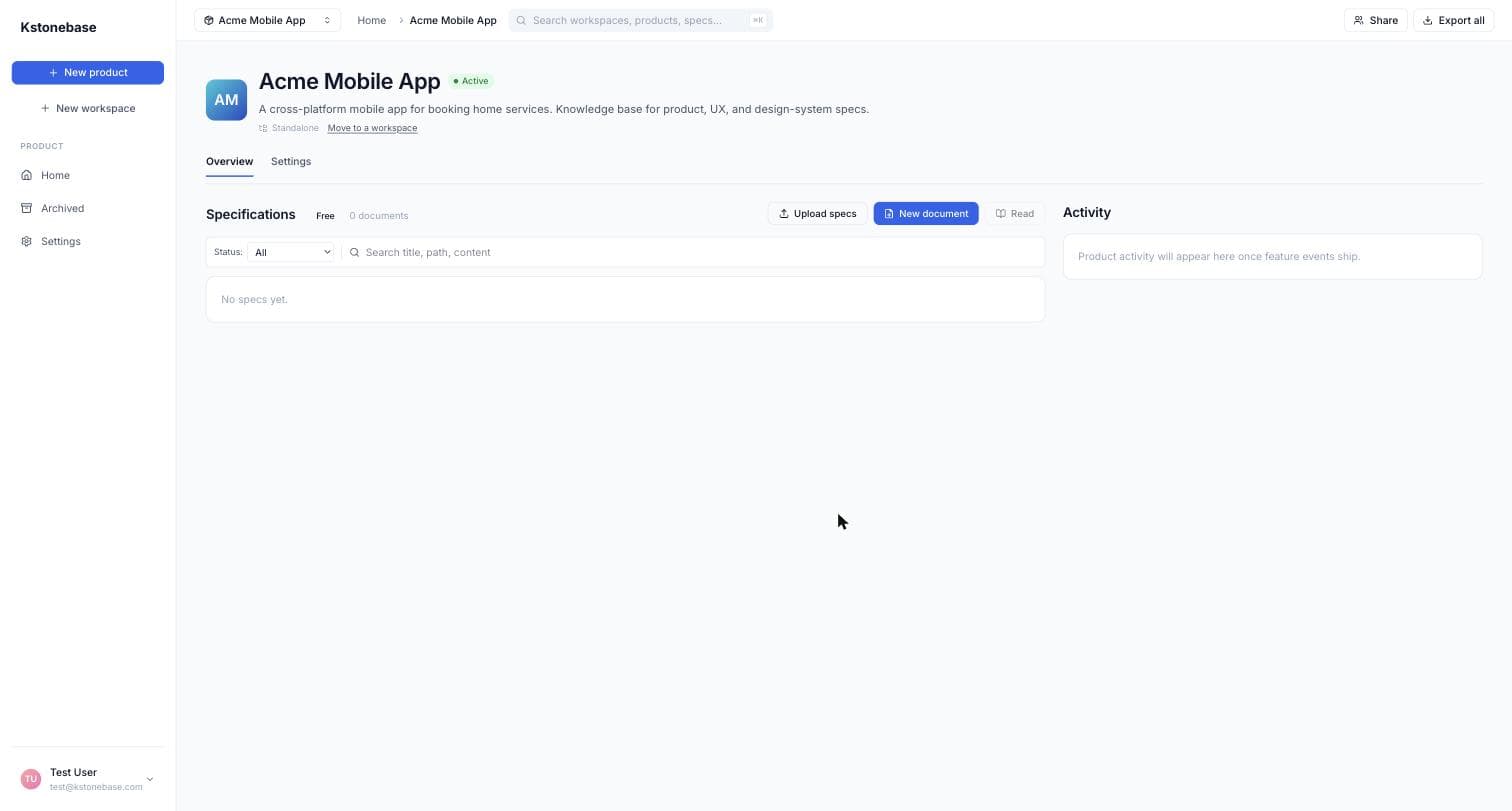
Inside the product, click New document. Kstonebase scaffolds the structure for you so you're never staring at a blank page.
Write and save
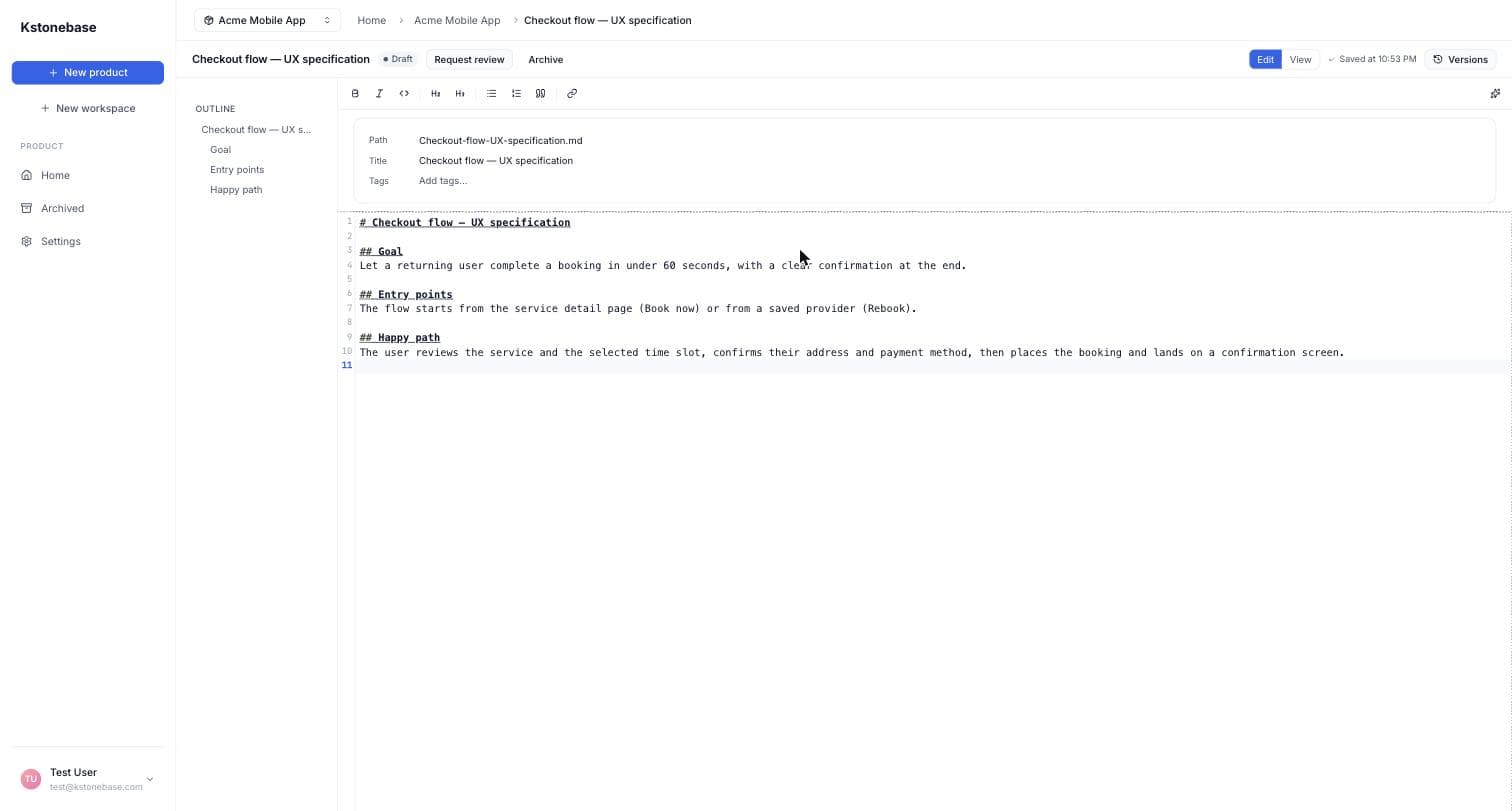
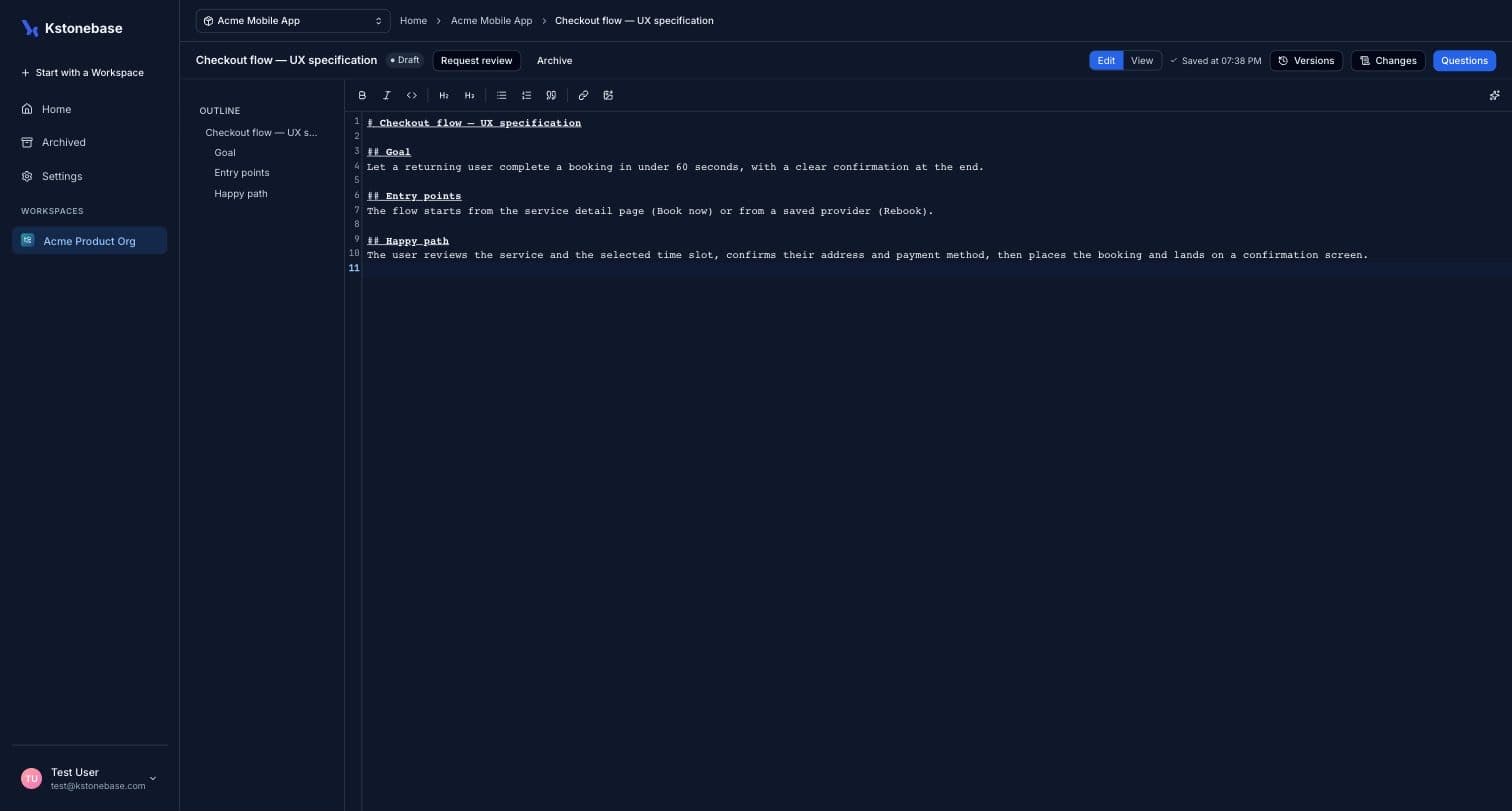
Edit your specification in the Markdown editor. Changes auto-save as a Draft, with an outline and version history alongside. Your first spec is now part of your knowledge base.